
POS System vs. Cash Register: Which Is Right for Your Business?
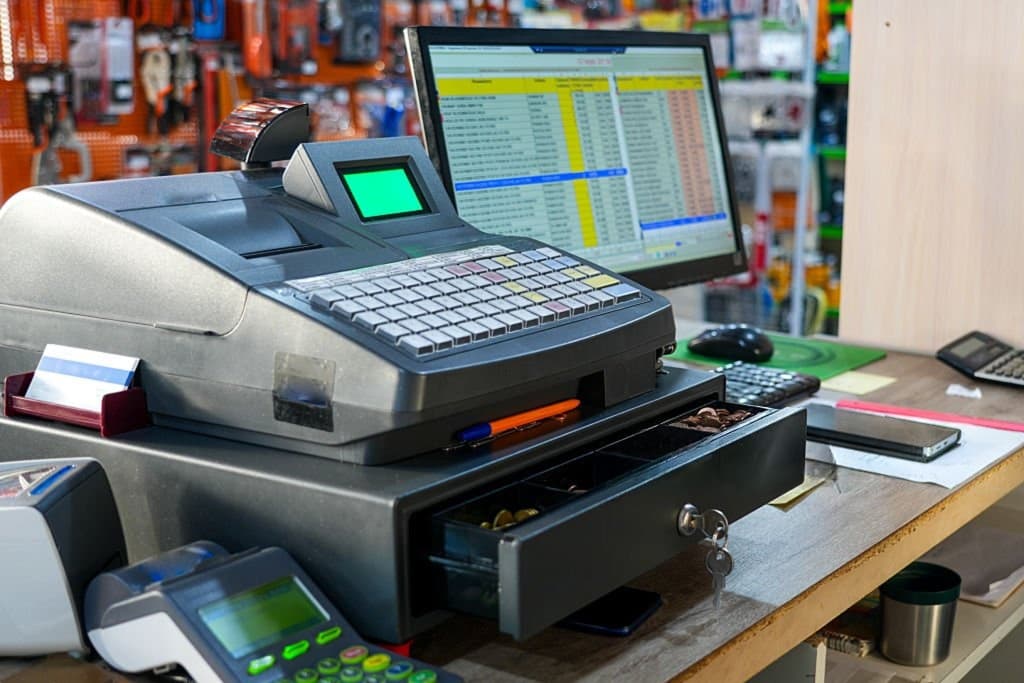
If you're starting a new business — or finally ready to retire that old cash drawer — you've probably asked yourself: do I really need a POS system, or will a basic cash register do the job? It's a fair question, especially if you're watching costs closely in the early stages. But the answer isn't just about price — it's about what each option actually does for your business.
Let's break down the real differences so you can make the right call.
What Is a Cash Register?
A cash register is a simple machine built for one purpose: totaling a sale and storing cash. It calculates the bill, opens a drawer, and prints a receipt. That's about it. There's no inventory tracking, no sales reporting, and no way to see what's actually happening across your business beyond the day's total.
For decades, this was enough. But as customer expectations and business operations have evolved, a machine that only handles cash and math has become a limiting factor rather than a helpful tool.
What Is a POS System?
A POS (point of sale) system does everything a cash register does — and considerably more. Beyond processing payments (cash, card, contactless, and mobile wallets), a modern POS system typically includes:
- Real-time inventory tracking, so stock levels update automatically with every sale
- Sales reporting and analytics, giving you insight into your best-selling products and peak hours
- Staff management, with permission controls over who can void sales or apply discounts
- Customer loyalty tools, to track repeat customers and reward them
- Multi-location support, for businesses managing more than one store
In short, a cash register handles a transaction. A POS system helps you run your business.
Key Differences at a Glance
1. Payment Flexibility
Cash registers are typically built around — you guessed it — cash, with limited or no support for modern payment methods. A POS system supports card payments, contactless tap, and mobile wallets like Apple Pay or Google Pay, which is increasingly non-negotiable as cash usage declines.
2. Inventory Management
This is one of the biggest gaps. A cash register has no idea what's on your shelves — you're stuck manually counting stock or using a separate spreadsheet. A POS system automatically deducts stock with every sale, so you always know what you have, what's low, and what needs reordering.
3. Data and Reporting
A cash register can tell you the day's total. A POS system can tell you why — which products sold best, what time of day is busiest, which staff member processed the most sales, and how this month compares to last. That kind of data is essential for making informed decisions rather than guessing.
4. Staff Accountability
With a cash register, there's little to no way to track who did what. A POS system lets you assign staff logins and permission levels, so you know exactly who processed a sale, applied a discount, or issued a refund — reducing both errors and internal theft risk.
5. Scalability
A cash register works the same whether you have one location or five — which is exactly the problem. It doesn't scale. A POS system can centralize reporting and inventory across multiple locations, which matters the moment you're managing more than a single storefront.
6. Cost
This is where cash registers still win on paper — they're cheaper upfront and have no ongoing subscription fees. But that lower cost often comes with hidden costs elsewhere: manual inventory counting, lost sales insight, no staff accountability, and limited payment options that can turn away customers.
When a Cash Register Might Still Make Sense
To be fair, a basic cash register isn't always the wrong choice. It might work for:
- A very small, cash-only operation (like some market stalls or pop-ups)
- Extremely low transaction volume
- A temporary or short-term setup where investing in a full system isn't justified yet
But for most retail shops, restaurants, salons, and growing businesses, these scenarios are the exception rather than the rule.
When You Should Upgrade to a POS System
Consider switching if:
- You're manually counting inventory or frequently running out of stock unexpectedly
- You have no visibility into which products or times of day drive the most revenue
- You're managing staff and want accountability over discounts, voids, and refunds
- You're planning to open a second location
- Customers are asking for contactless or mobile payment options you can't currently offer
If any of these sound familiar, it's a strong sign your business has outgrown a basic cash register.
Final Thoughts
A cash register can total a sale. A POS system helps you understand, manage, and grow your business. While the upfront cost of a cash register is lower, the operational blind spots — no inventory tracking, no sales data, no staff accountability — often cost more in the long run through lost efficiency and missed insights.
If you're ready to move beyond a basic cash register, it's worth exploring an all-in-one POS system that combines payments, inventory, and reporting in a single platform. And if you're not sure which setup fits your business best, feel free to reach out to our team — we're happy to walk you through your options.
Ready for a smoother shift?